How To Get Current User Location In Laravel
The websolutionstuff is to help for beginner programmers who want to start career in web development or learn web development technologies or languages.
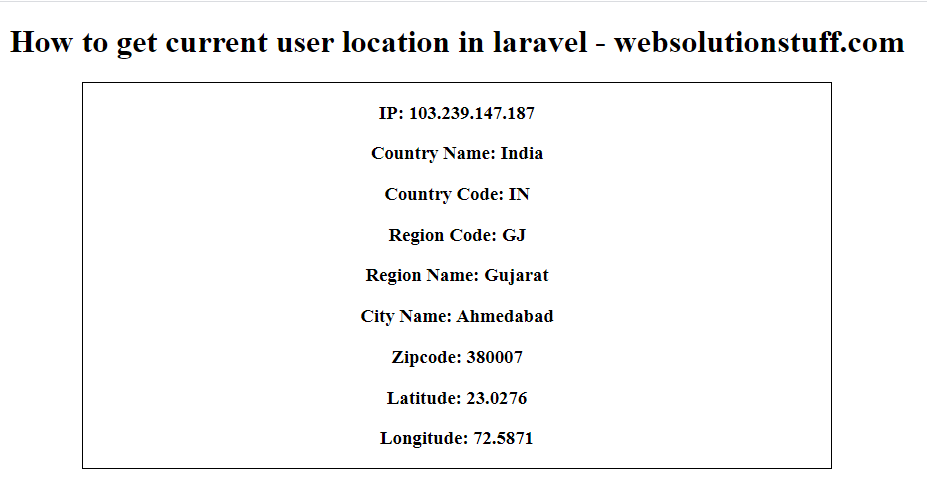
In this Example I will show you how to get current user location in laravel, Many times we required to find current location of users for many purpose.
So, here I am using stevebauman/location laravel package, Using this package you can get many information of utilize like postal code, zip code, region denomination, state name longitude, country denomination, latitude, ISO code, etc.
So, let's start and follow below step one by one.
Step 1 : Install Laravel
Type the following command in terminal for create new project in your system.
composer create-project --prefer-dist laravel/laravel get_location
Step 2 : Install stevebauman/location Package In Your Application
After installation of project you need to install stevebauman/location Package
composer require stevebauman/location
Step 3 : Add Service Provider And Aliase
After package installation we need to add service provider and aliase in config/app.php.
'providers' => [

    Stevebauman\Location\LocationServiceProvider::class,
],

'aliases' => [

    'Location' => 'Stevebauman\Location\Facades\Location',
],
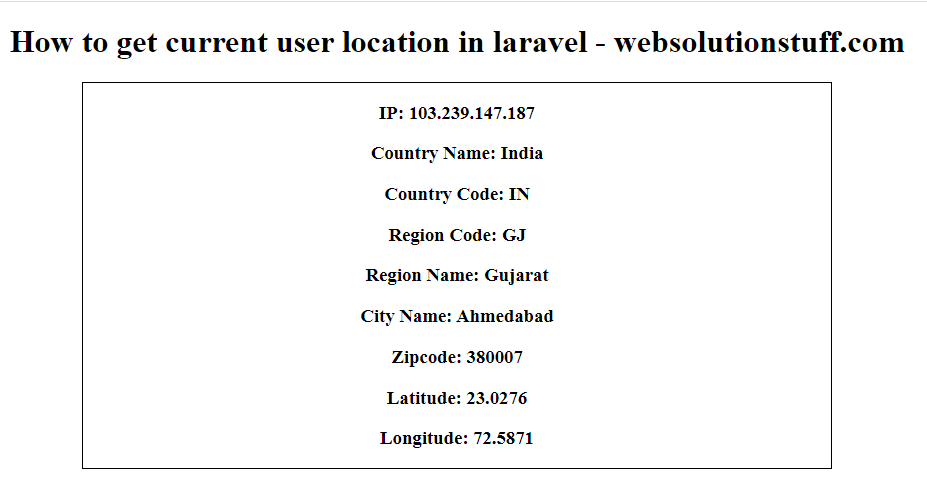
So, we can get below output.